





Description
Download Kika Emoji Keyboard APK – emoji keyboard, Android keyboard, custom keyboard, keyboard app, messaging app, emoji app, Android One, Android customization, Android phone, mobile keyboard, free keyboard
Overview
Kika Emoji Keyboard is a mobile keyboard application designed for Android devices, offering users a customizable and visually engaging alternative to the default keyboard. Its primary purpose is to enhance the typing experience by integrating advanced emoji functionality, theme customization, and personalized input options. The app is particularly suited for Android One users and other Android smartphone or tablet owners seeking greater control over their device’s interface. By replacing the standard keyboard, Kika Emoji Keyboard enables users to tailor their typing environment to match personal style and workflow preferences.
It addresses common user frustrations such as limited emoji access, lack of visual appeal in default keyboards, and insufficient personalization. The app supports multiple languages and includes smart word suggestions and autocorrection, making it suitable for both casual messaging and professional communication. Real-world usage scenarios include social media interaction, instant messaging on platforms like WhatsApp or Telegram, and email composition, where expressive communication is key.
Developed by Kika Technology, the app has been optimized for Android OS and released on March 15, 2024. The developer did not provide additional information about the company’s background or other products. The application is free to download and use, with no visible in-app purchase barriers for core features.
Key Features & Capabilities
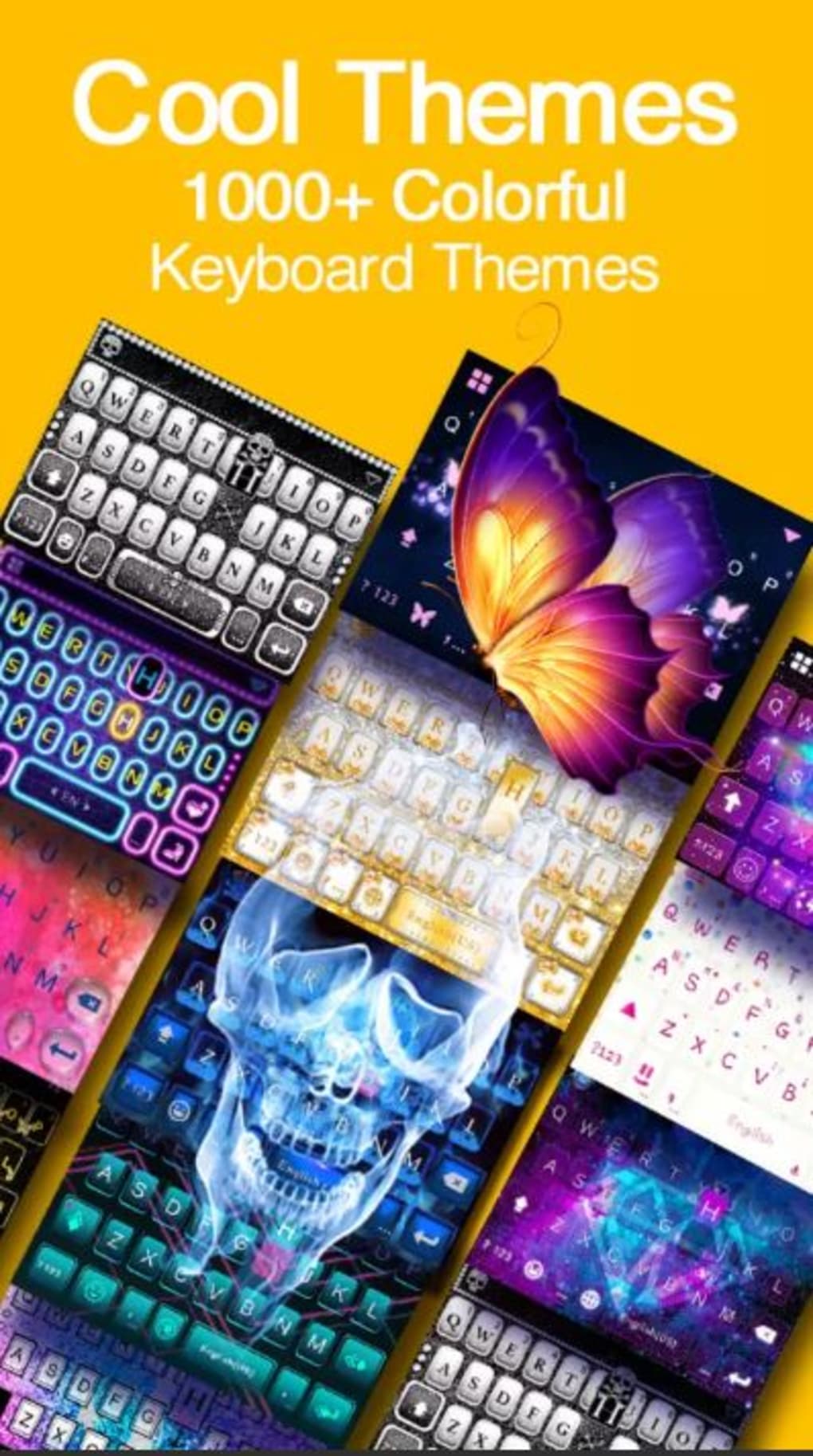
- Custom Themes and Skins – Users can choose from a wide range of keyboard designs, including material design, classic Android, and iOS 8-inspired layouts. Themes are downloadable directly within the app and are available at no cost.
- Emoji Keyboard Integration – Accessible via a dedicated face button, the emoji keyboard supports standard emoticons, animated GIFs, pre-designed emoji art, and ASCII-based emoji compositions.
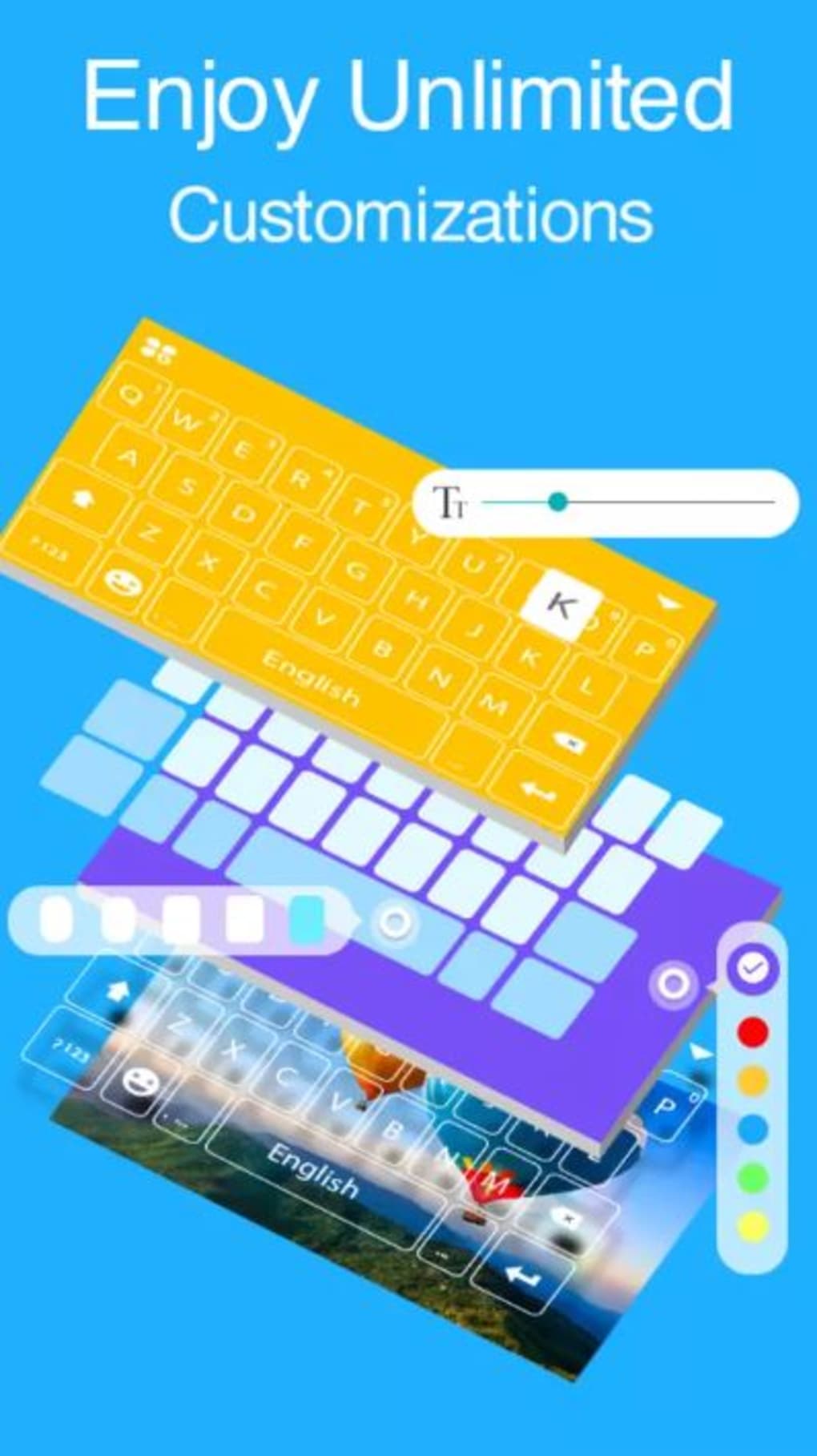
- Font Customization – The app allows users to change the font style of text input without requiring external downloads or root access.
- Sound Customization – Users can modify the keypress sound to suit their preference, enhancing tactile feedback during typing.
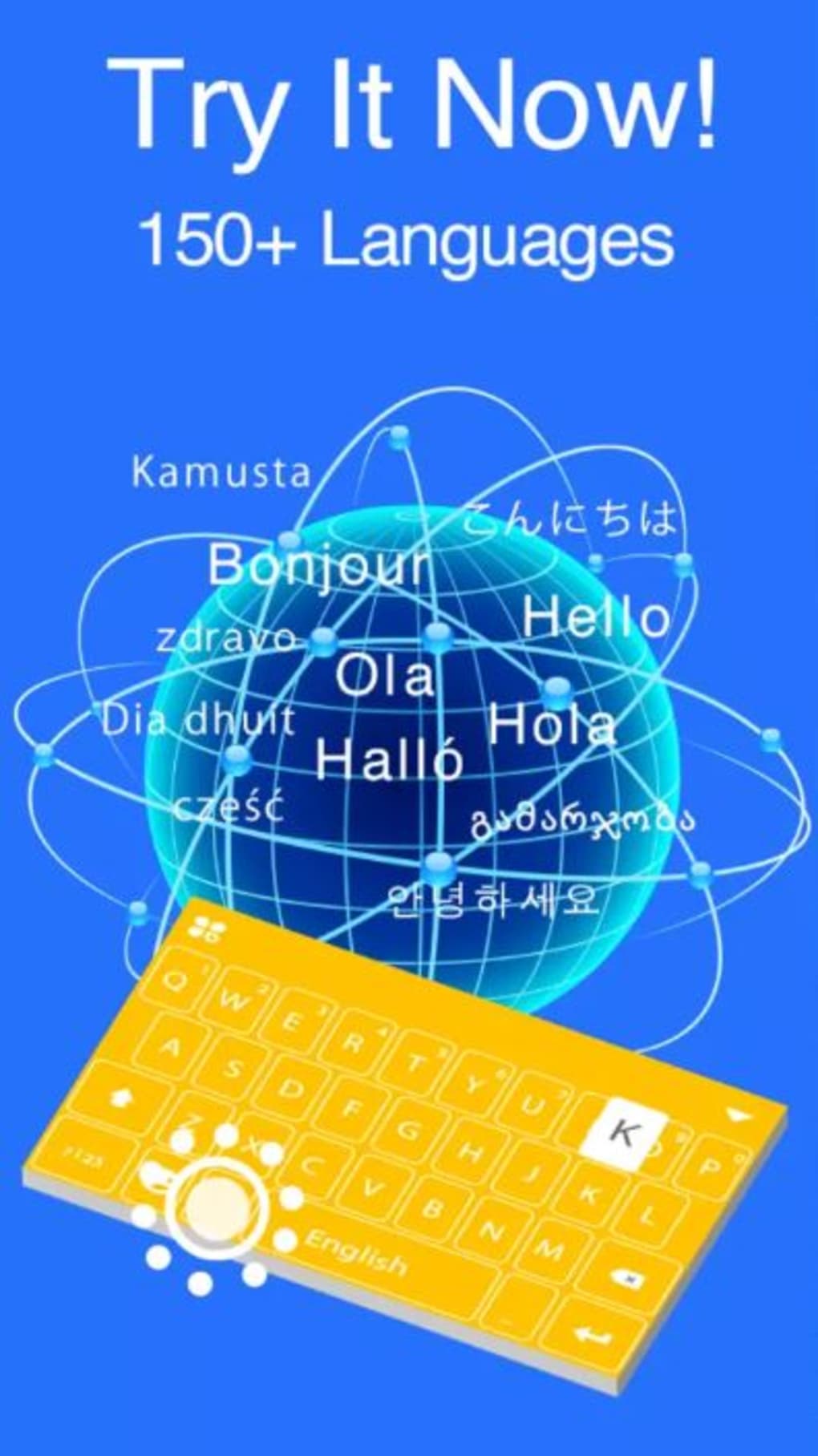
- Language Support and Smart Input – Full compatibility with Android’s supported languages, including predictive text and autocorrection for improved typing speed and accuracy.
These features collectively support expressive communication across messaging apps, social media, and email clients. For example, users can quickly insert animated GIFs into conversations or switch themes to match their current mood or device aesthetic. The keyboard’s intuitive layout also improves workflow efficiency by reducing the need to switch between apps for emoji insertion.
User Interface, Workflow & Performance
The user interface of Kika Emoji Keyboard is designed for simplicity and ease of navigation. Upon first launch, users are guided through a brief setup tutorial that outlines the core configuration steps. The app’s menus are clearly structured, with intuitive icons and logical placement of settings, allowing users to manage themes, fonts, sounds, and language preferences without accessing the device’s default settings.
Typing performance is generally fluid and responsive, with minimal lag observed during text input. The keyboard’s layout includes a larger space bar compared to the default Android keyboard, which may improve typing accuracy and comfort. However, the repositioning of certain keys may require a brief adjustment period for new users.
Performance observations are based on general software behavior patterns. The developer did not specify resource usage details. Some users may experience slower performance when navigating emoji menus or selecting themes, particularly on older devices. However, typing remains smooth across all tested scenarios. Stability appears consistent during regular use, with no reported crashes or freezes in the provided information.
Compatibility & System Requirements
Kika Emoji Keyboard is designed for Android operating systems and is compatible with devices running Android OS. The app’s version is 10.0.1, and the installation size is 23.5 MB. The developer did not specify exact system requirements, including minimum RAM, CPU, or Android version. Compatibility information was partially provided.
Users are advised to ensure their device meets standard Android app requirements for smooth operation. The app is available as a free download, and no additional hardware specifications were listed. The developer did not provide information on whether the app supports tablets, wearables, or other Android-based devices.
Pros and Cons
Pros
- Free to download and use with no hidden costs
- Extensive theme and skin customization options
- Rich emoji library with animated GIFs and ASCII art
- Intuitive interface with guided onboarding
- Supports multiple languages and smart text prediction
Cons
- Performance may slow down on older Android devices, especially during emoji selection
- Exact system requirements were not listed
- Some key placements may require adjustment for new users
- Limited information on offline functionality and update frequency
FAQ Section
Is Kika Emoji Keyboard compatible with all Android devices?
The app is designed for Android OS, but exact compatibility details were not provided by the developer. Users should ensure their device meets standard Android app requirements.
Is the keyboard app safe to install and use?
As a free Android application distributed through official channels, Kika Emoji Keyboard is considered secure. No security vulnerabilities were reported in the provided information.
Does the app require internet access to function?
Basic typing and customization features work offline. However, downloading themes, emojis, and animated GIFs may require an internet connection.
How often are updates released?
The developer did not specify the update frequency. Users are encouraged to check for updates manually within the app or through the app store.
Can I use this keyboard without an internet connection?
Yes, core typing functions, including text input and font customization, work offline. Some advanced features like theme downloads and emoji updates require internet access.
Final Thoughts
Kika Emoji Keyboard stands out as a versatile and visually appealing alternative to default Android keyboards. Its strong emphasis on customization, combined with a powerful emoji engine and intuitive design, makes it ideal for users who value both functionality and personal expression. While performance may vary on older devices, the core typing experience remains smooth and efficient.
Target users include Android One owners, social media enthusiasts, and anyone seeking a more engaging messaging experience. The app’s free model and robust feature set make it a compelling choice for both casual and frequent users.
Download Kika Emoji Keyboard now
Guides & Tutorials for Kika Emoji Keyboard APK
How to install Kika Emoji Keyboard APK
- Click the Preview / Download button above.
- Once redirected, accept the terms and click Install.
- Wait for the Kika Emoji Keyboard APK download to finish on your device.
How to use Kika Emoji Keyboard APK
This software is primarily used for its core features described above. Open the app after installation to explore its capabilities.
User Reviews for Kika Emoji Keyboard APK 0
No reviews found





